
How to Login on 888PKR Game
Logging in to an 888PKR Game account allows registered users to access their account, check available features, manage their profile, and view account-related information. The login process is generally simple, but users should always make sure they are using the correct account details and an official or trusted access page.
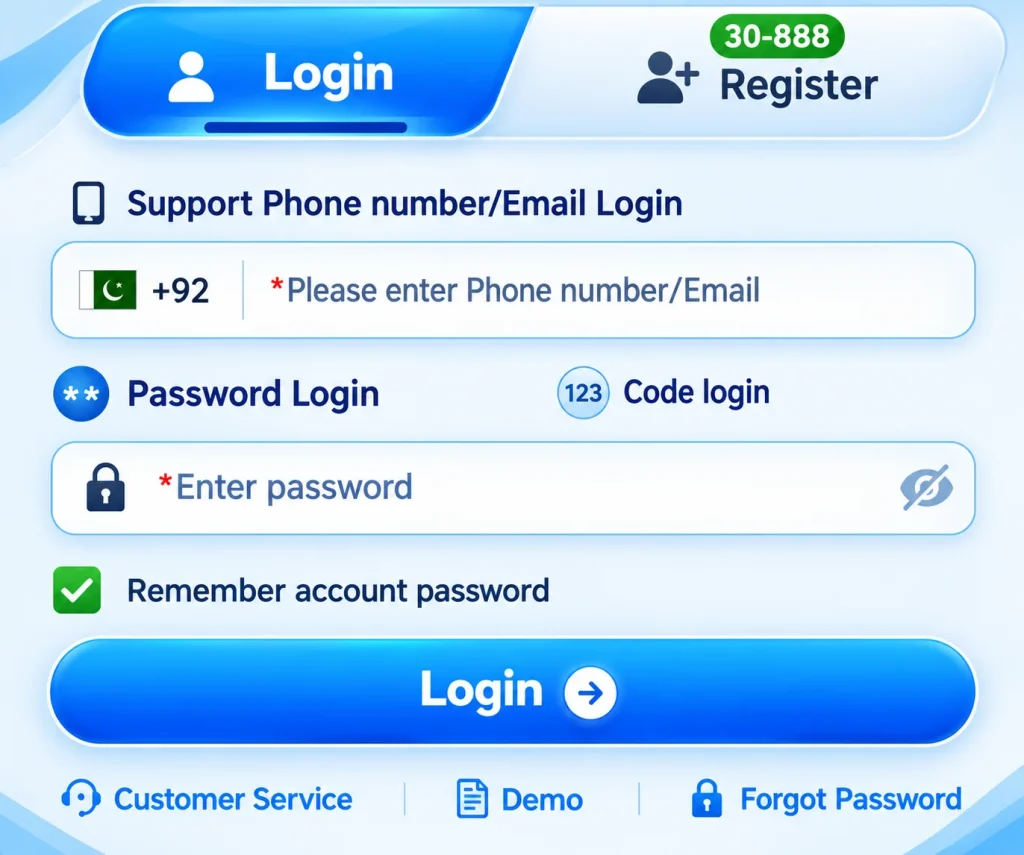
888PKR Game Login Requirements
Before starting the login process, keep the following details ready:
- Registered mobile number or username
- Account password
- Stable internet connection
- Access to your registered device
- Verification code, if required
Make sure your login information is entered correctly. Avoid sharing your password or verification codes with other people.
Steps to Login to 888PKR Game
Follow these basic steps to access your account:
- Open the 888PKR Game website or app on your Android device.
- Find and select the Sing Up option.
- Enter your registered mobile number or username.
- Type your account password carefully.
- Enter any verification code if requested.
- Check the details before submitting the form.
- Tap the Login button to access your account.
If the information is correct, your account should open and you can continue using the available account features.
Forgot Your 888PKR Game Password?
If you cannot remember your password, look for the Forgot Password or password recovery option on the login page. Follow the available verification steps to recover or reset your account password. Use the same mobile number or account information that was originally registered.
If no recovery option is available, contact the platform’s official customer support and provide only the information required to verify your account. Never share your password or private security codes with anyone.
Common 888PKR Login Problems
Sometimes users may have difficulty logging in because of an incorrect password, unstable internet connection, temporary server issues, or an outdated app. First, check your username and password and make sure your internet connection is working properly.
If the problem continues, close and reopen the app, clear temporary app data if appropriate, or check whether an updated version is available. For account-specific problems, use the platform’s available support channels.
Safety Tips for Login
Always keep your login credentials private. Avoid entering your account details on unknown websites or sharing screenshots containing sensitive information. If you use a shared device, log out after finishing your session.
Also, check the website address carefully before entering personal or payment information. This can help reduce the risk of accessing an imitation or unsafe page.
Final Words
The 888PKR Game login process normally involves entering your registered account details and completing any required verification. Keep your credentials secure, use a trusted access point, and check your account information carefully before logging in. If you experience an account or login issue, use the platform’s official recovery or customer-support options.